Case study
ChatFlux
A production-style real-time messaging app with direct and group chats, delivery and read receipts, online presence, session management across devices and configurable notifications.
- Role:
- Solo full-stack developer
- Type:
- Personal product / skill demo
- Next.js
- TypeScript
- Socket.io
- Tailwind CSS
- MongoDB
- Cloudinary
- Resend
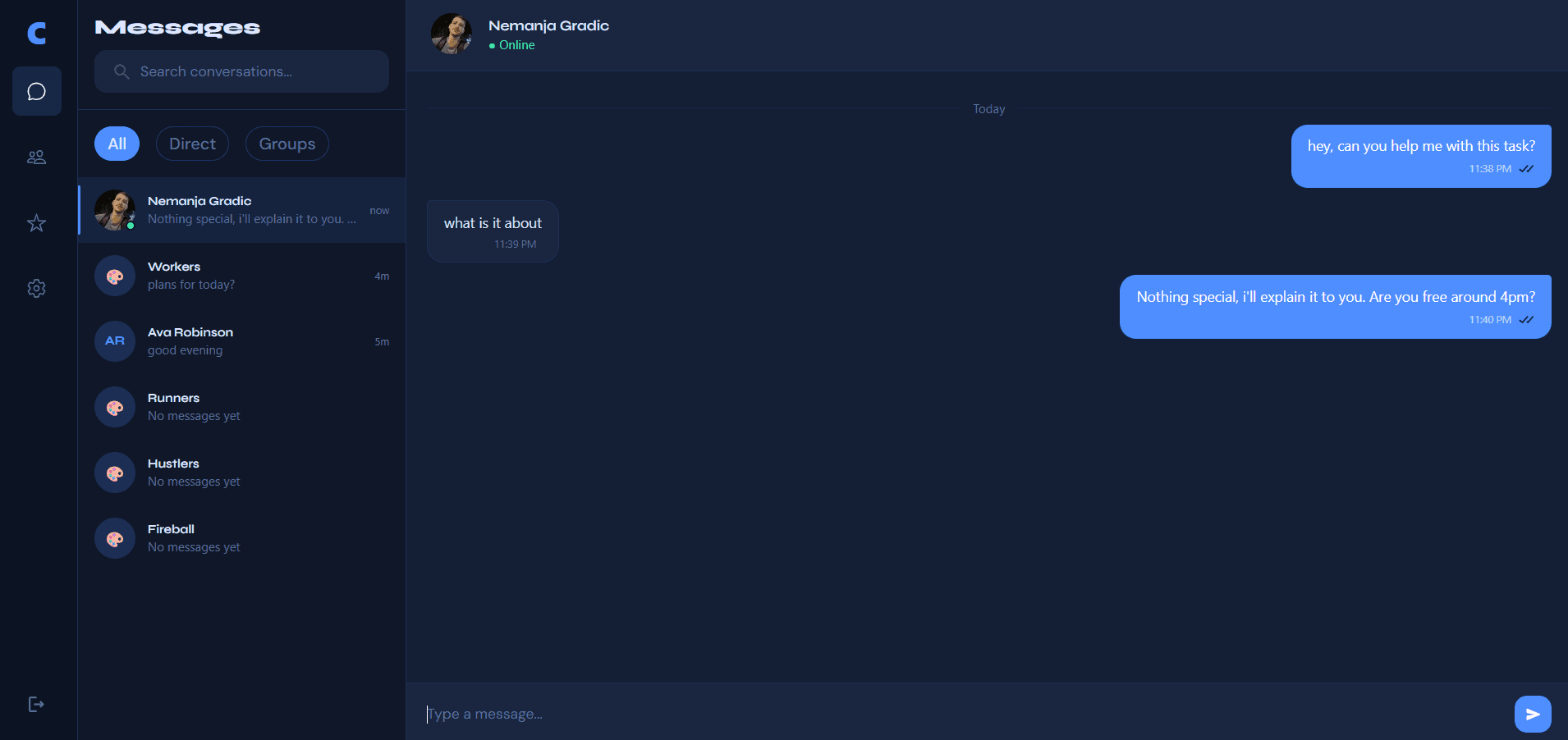
Overview
ChatFlux is a full-stack real-time messaging application built to go beyond a basic WebSocket demo. It covers direct and group chats, delivery and read receipts, online presence, starred messages, configurable notifications and session management across devices. Authentication includes email sign in plus a guest mode so visitors can explore the product without creating an account.
Problem
- Most chat tutorials stop at sending text over WebSockets and never reach the product details people expect from a real messaging app.
- Delivery versus read state, presence and sessions across devices are easy to get wrong once more than one user or device is involved.
- Without guest access, settings and notification controls, a demo never feels like something a team could actually use.
Goals
- Ship a complete messaging surface with direct chats, groups, receipts and presence that stay correct in real time.
- Let people try the product quickly through guest login while keeping registered accounts secure across devices.
- Give users clear control over profile, notifications and active sessions instead of leaving those as afterthoughts.
Solution walkthrough
A walkthrough of how people sign in, message each other and manage groups, starred messages, sessions and notifications.
- 01
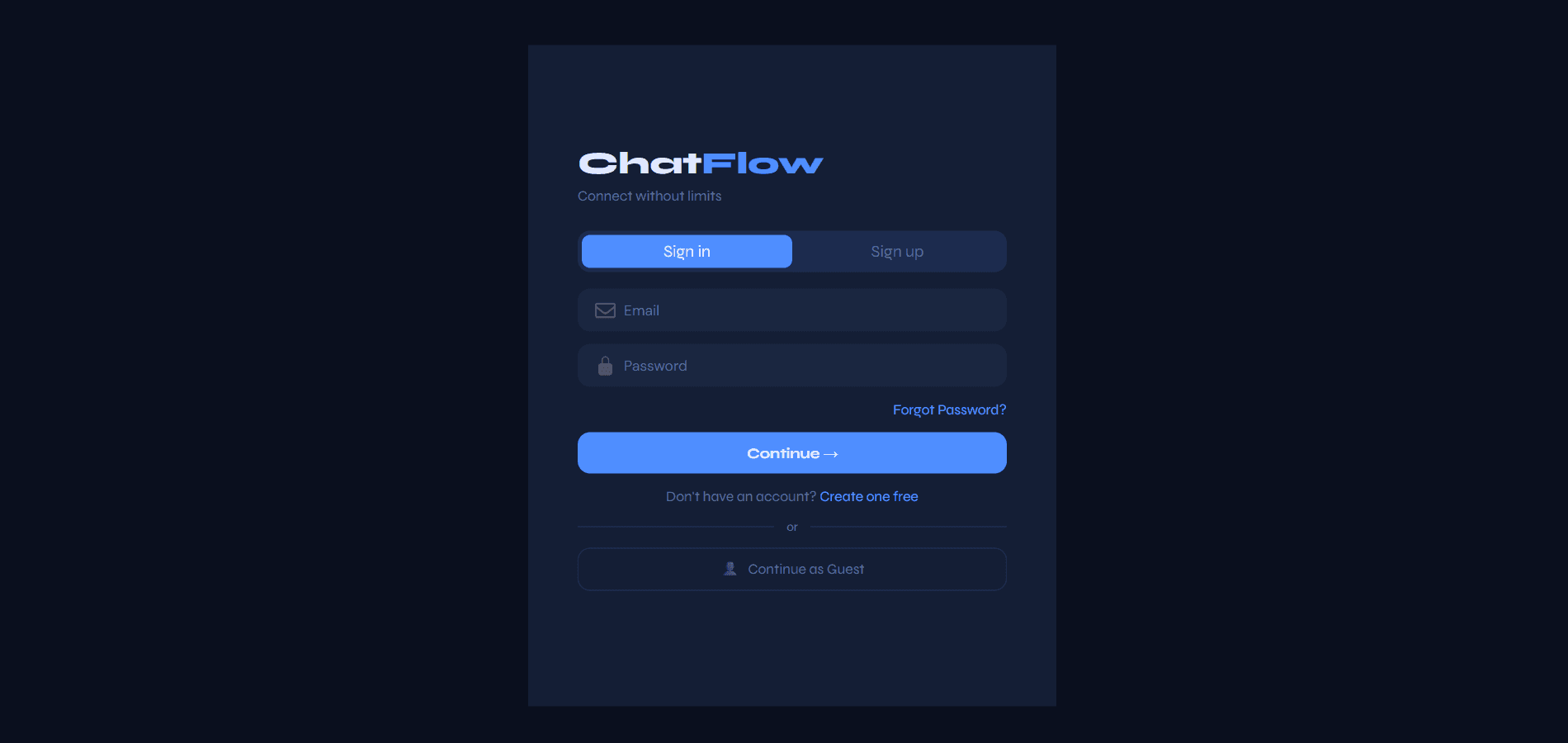
Sign in or continue as guest
Email and password auth covers sign up, sign in and forgot password with a timed reset link. Continue as Guest opens the full app without signup friction. Guest users and their rooms, messages and sessions are removed on logout so the sandbox stays temporary.
- 02
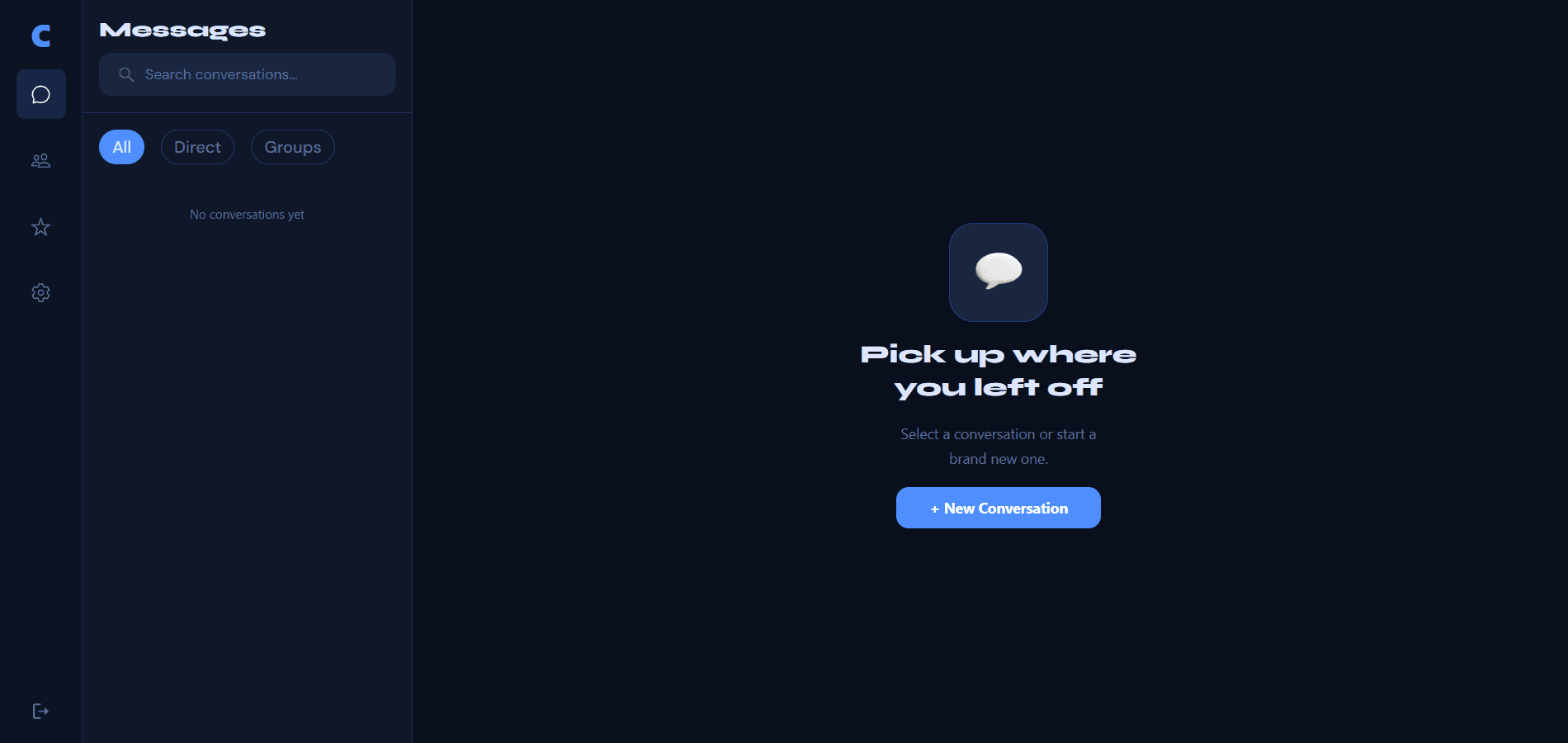
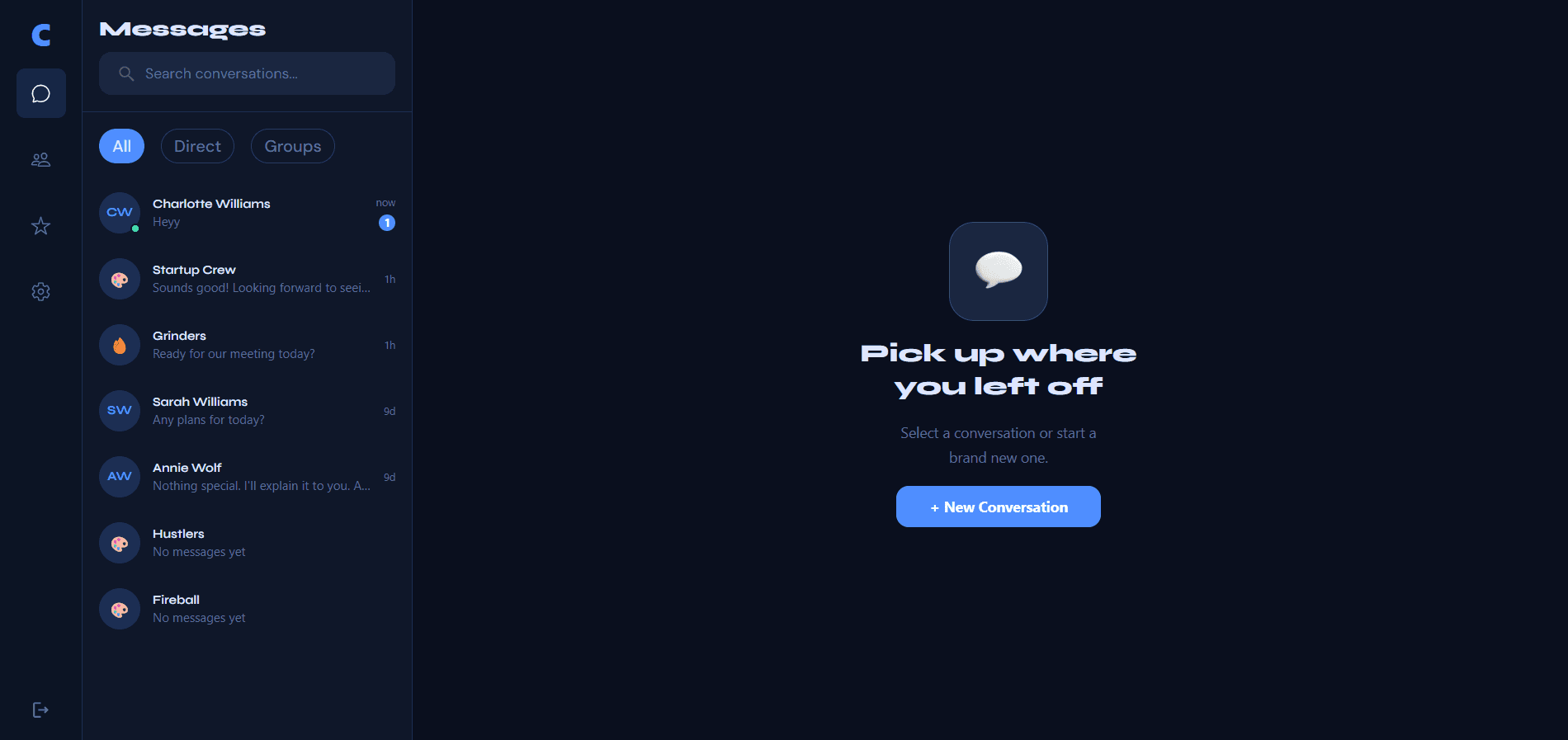
Find conversations quickly
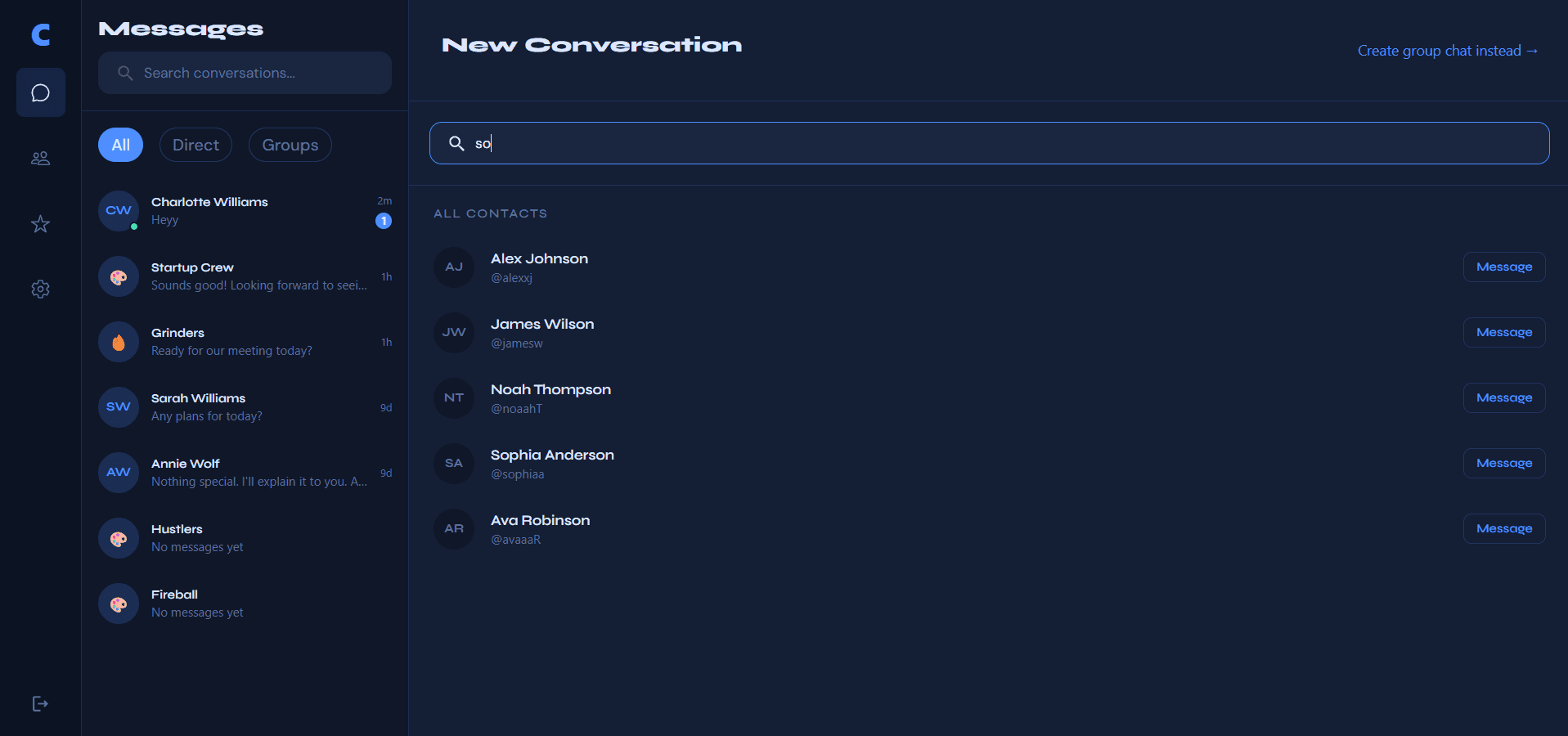
The conversation list shows last message previews, timestamps and unread badges. Search filters by name or username. All / Direct / Groups chips narrow the list. Empty states and a search to start a new conversation make it clear how to begin chatting.
- 03
Direct messages with real receipts
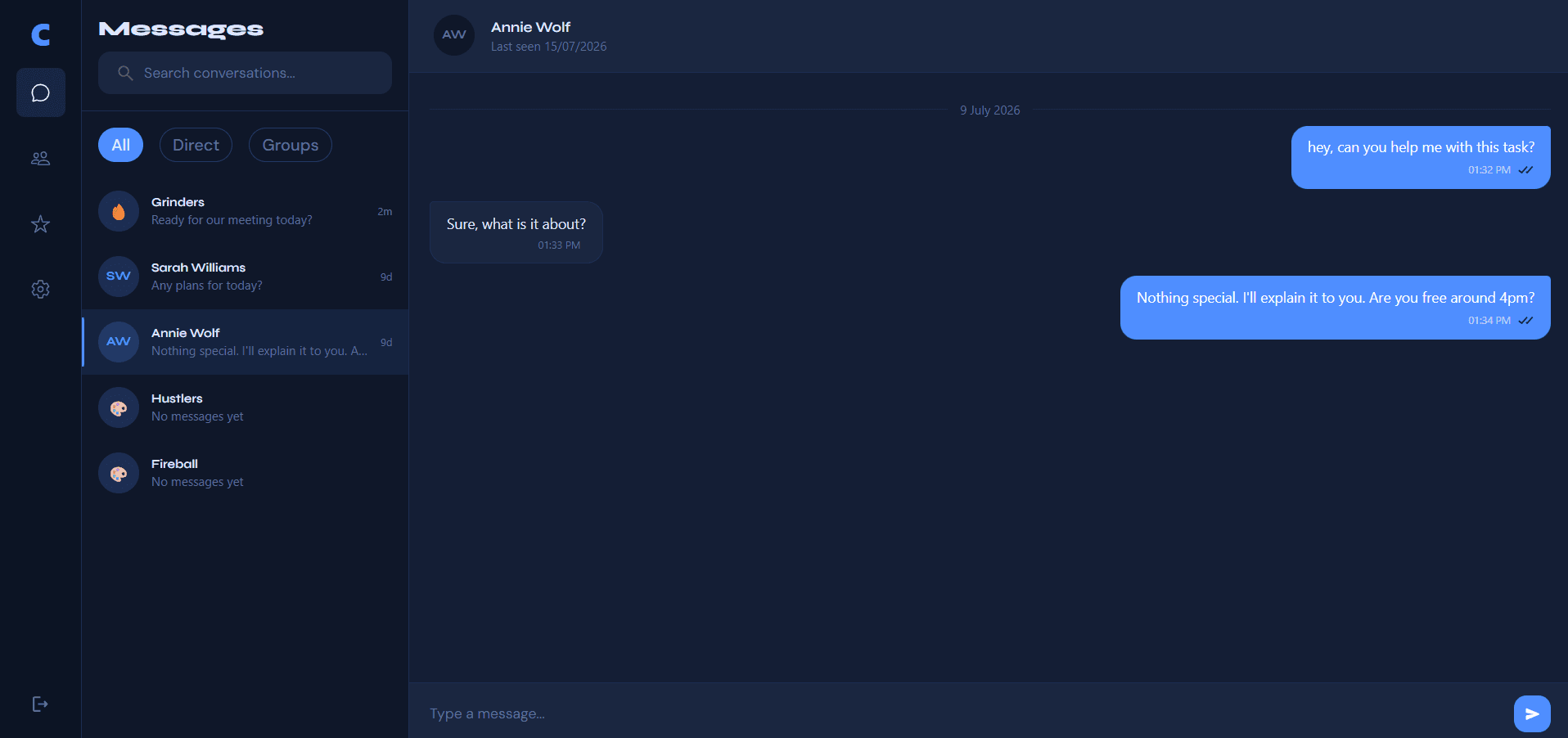
Direct chats run over Socket.io with rooms created lazily on the first message. Messages group by date and receipts move from sent to delivered to read based on whether the recipient is online and currently in that room. When someone opens a chat, their unread messages are marked as read and the sender sees the receipt change live.
- 04
Group chats
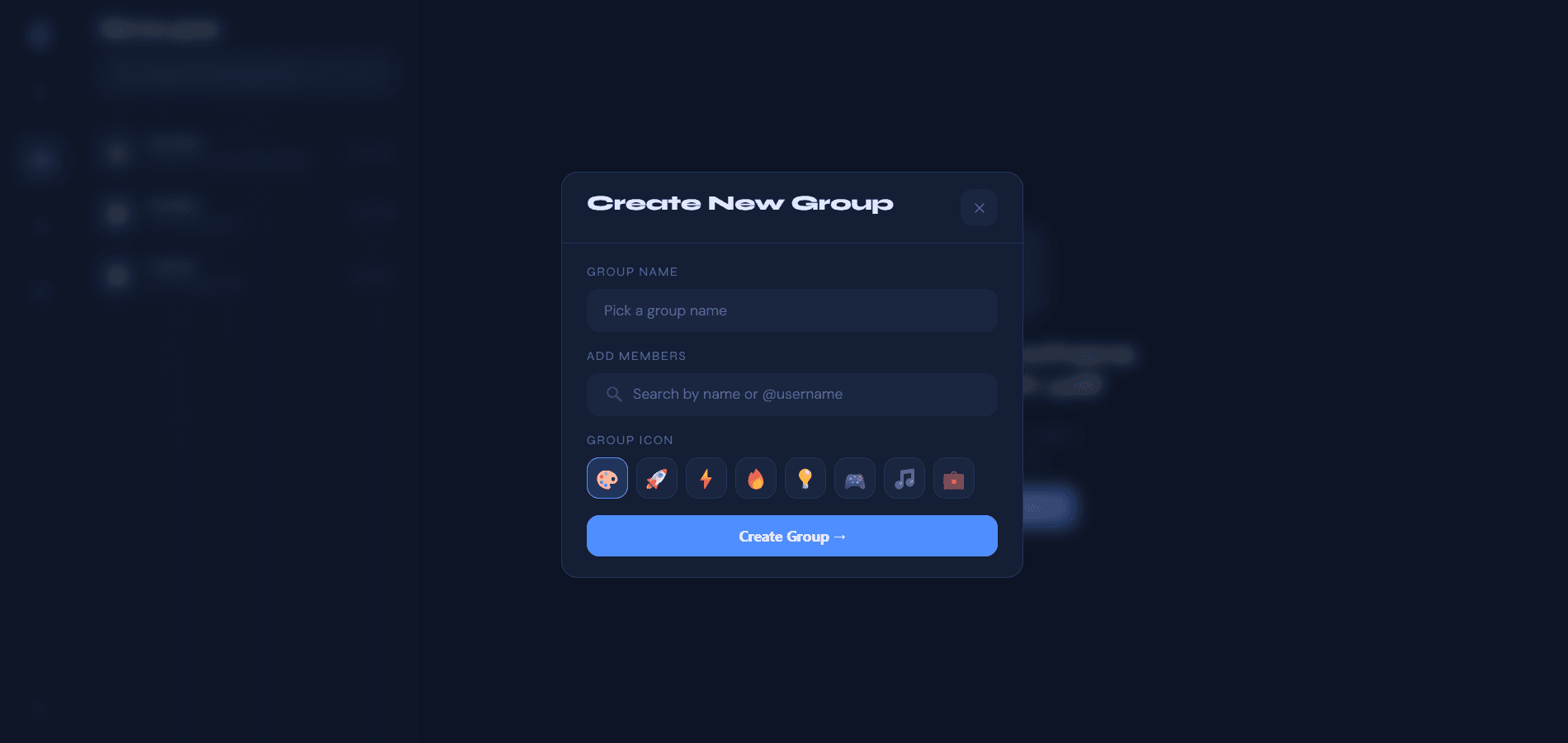
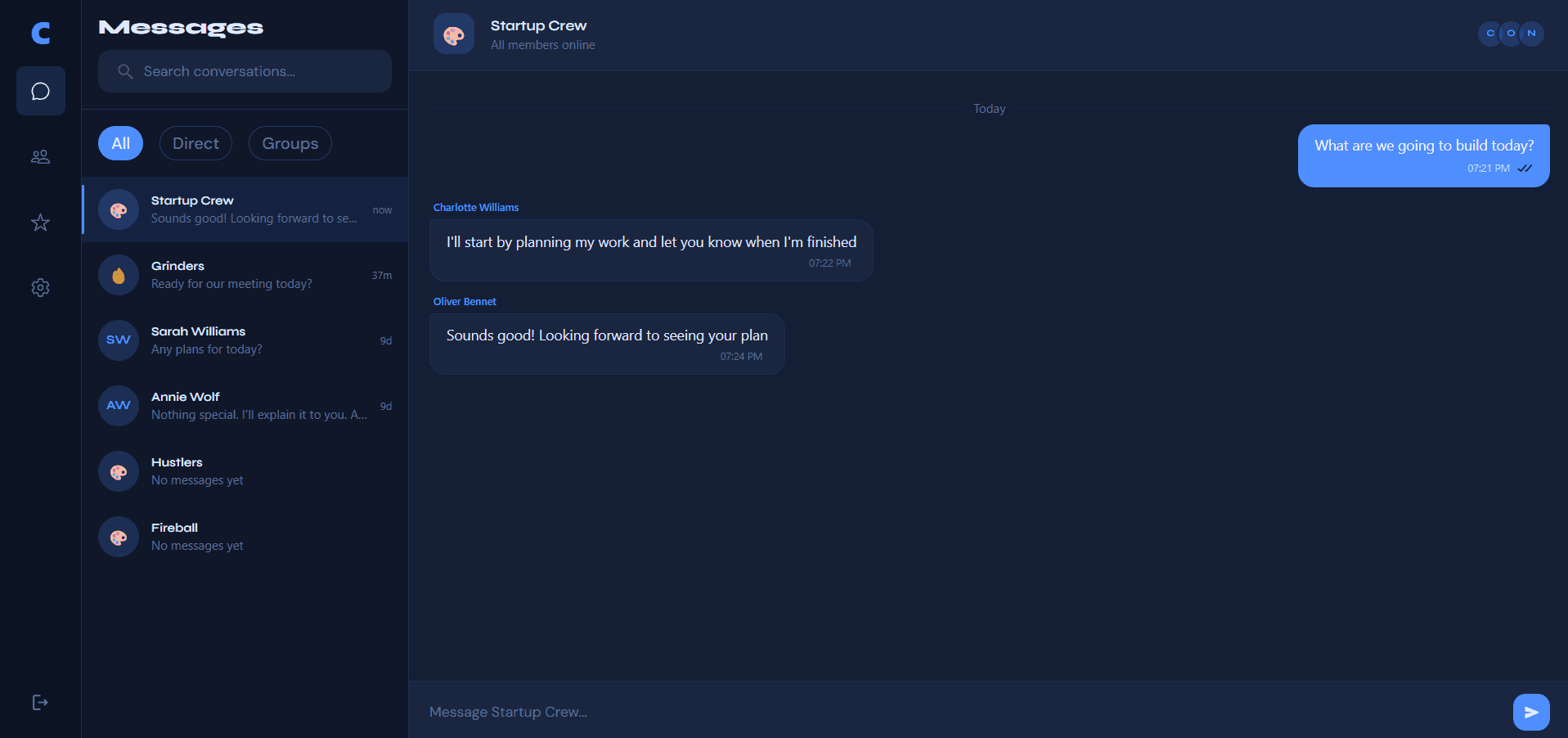
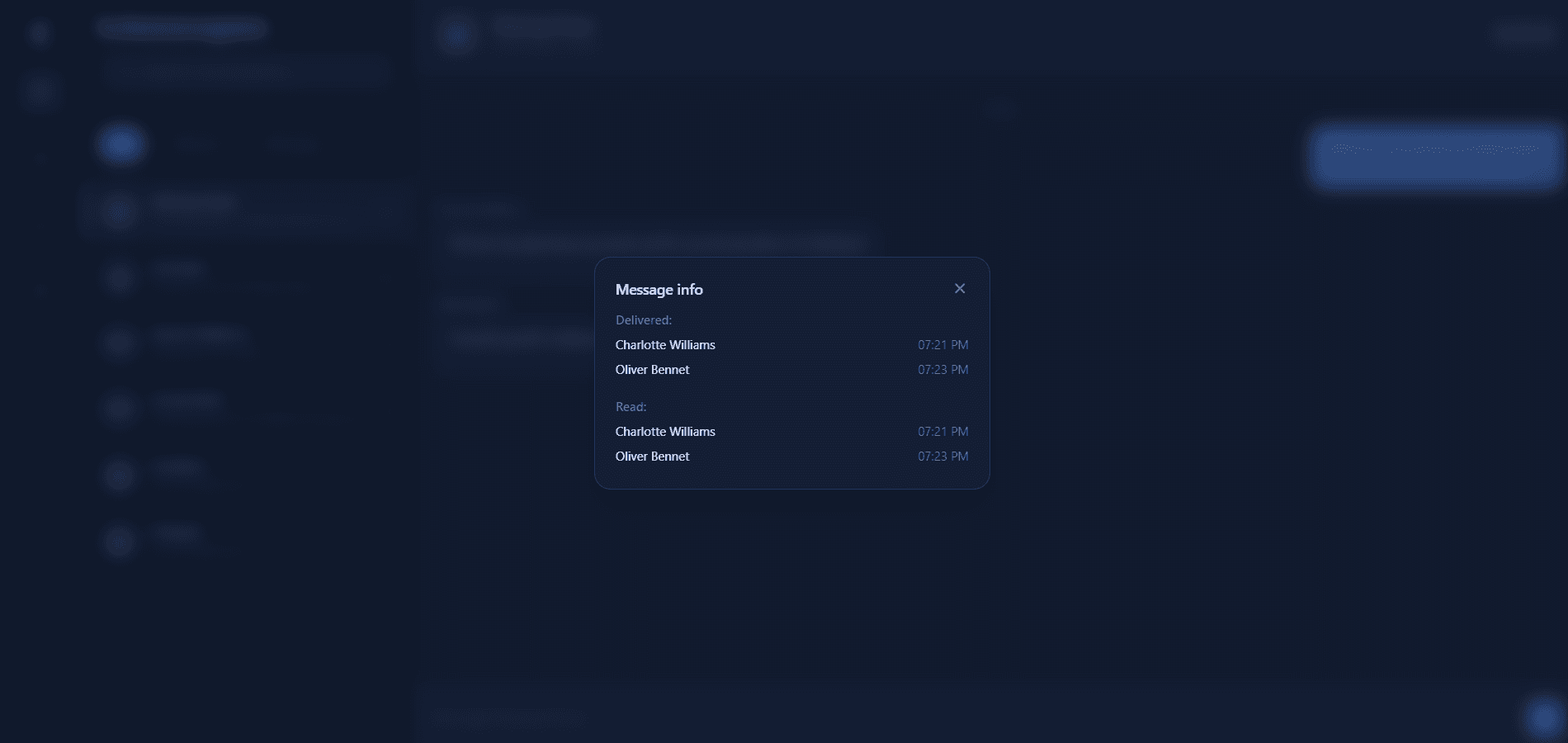
Groups support a custom name, emoji icon and a picker to add members. In the chat header you can see who is online and the members in the group. Other people's messages show their name above the bubble. Receipts track delivered and read times for each member so partial versus full delivery is clear. Message info shows exactly who received and read a message and when.
- 05
Starred messages
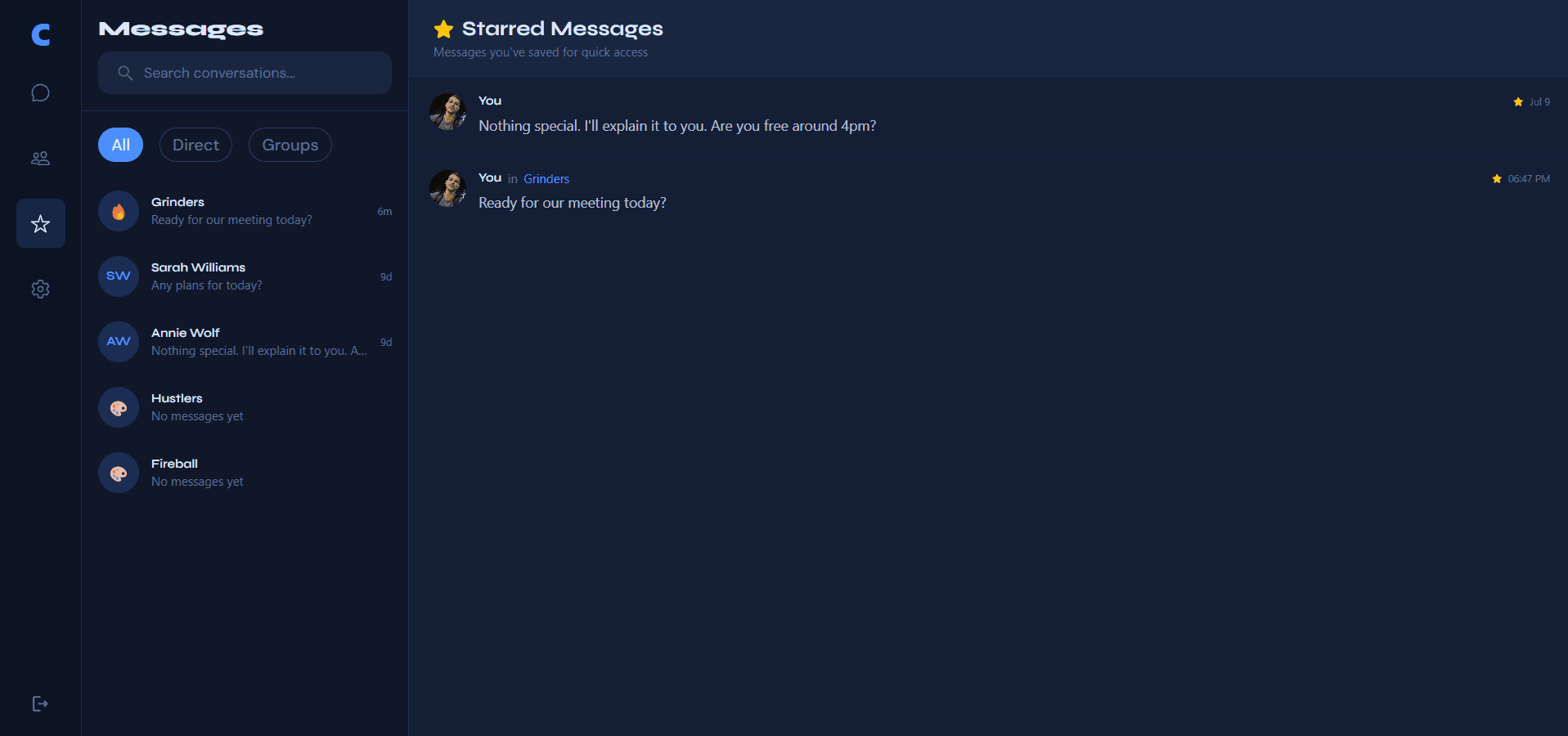
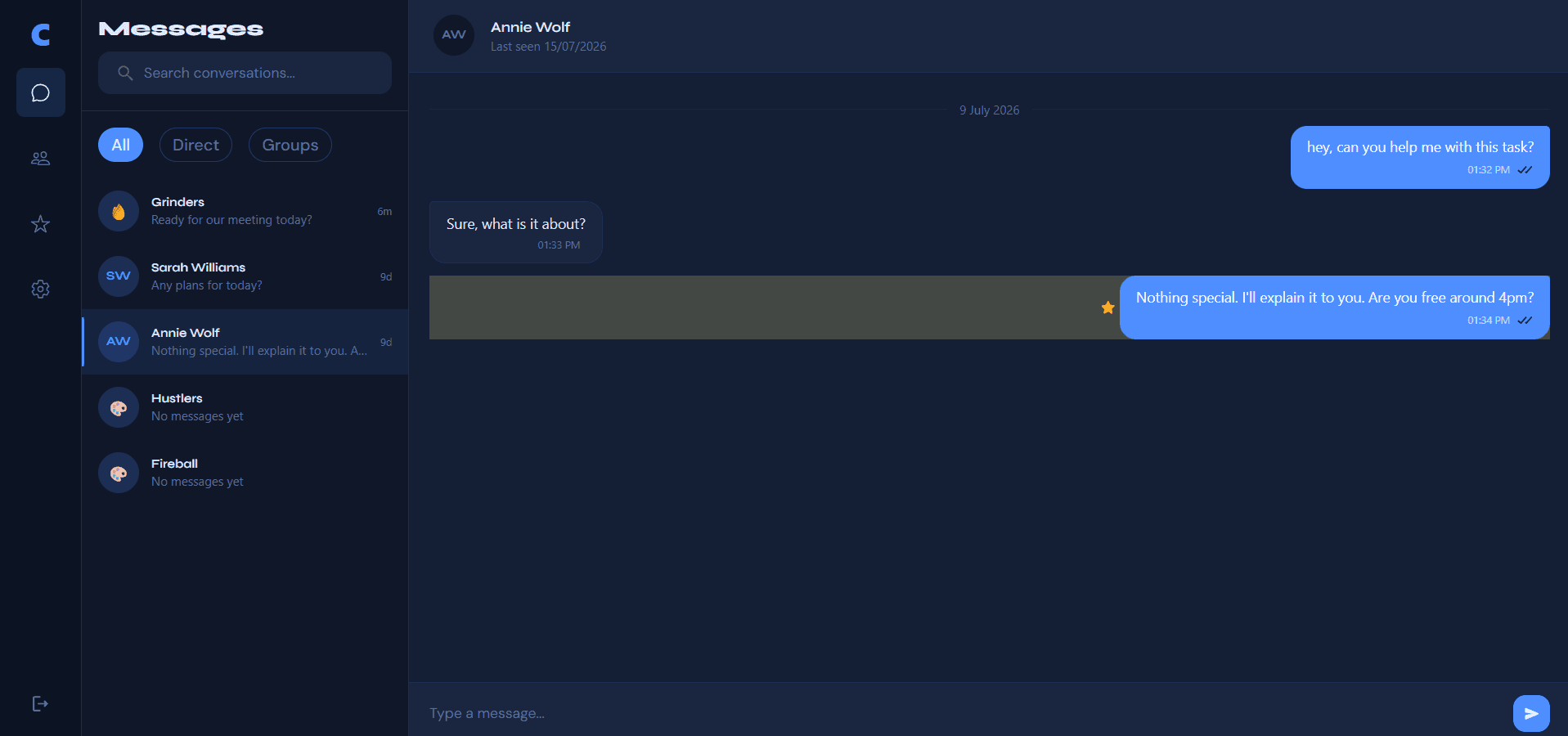
Anyone can star messages for themselves. A dedicated Starred page lists them and opening one jumps back to the original conversation with the message highlighted so it is easy to find again.
- 06
Sessions across devices
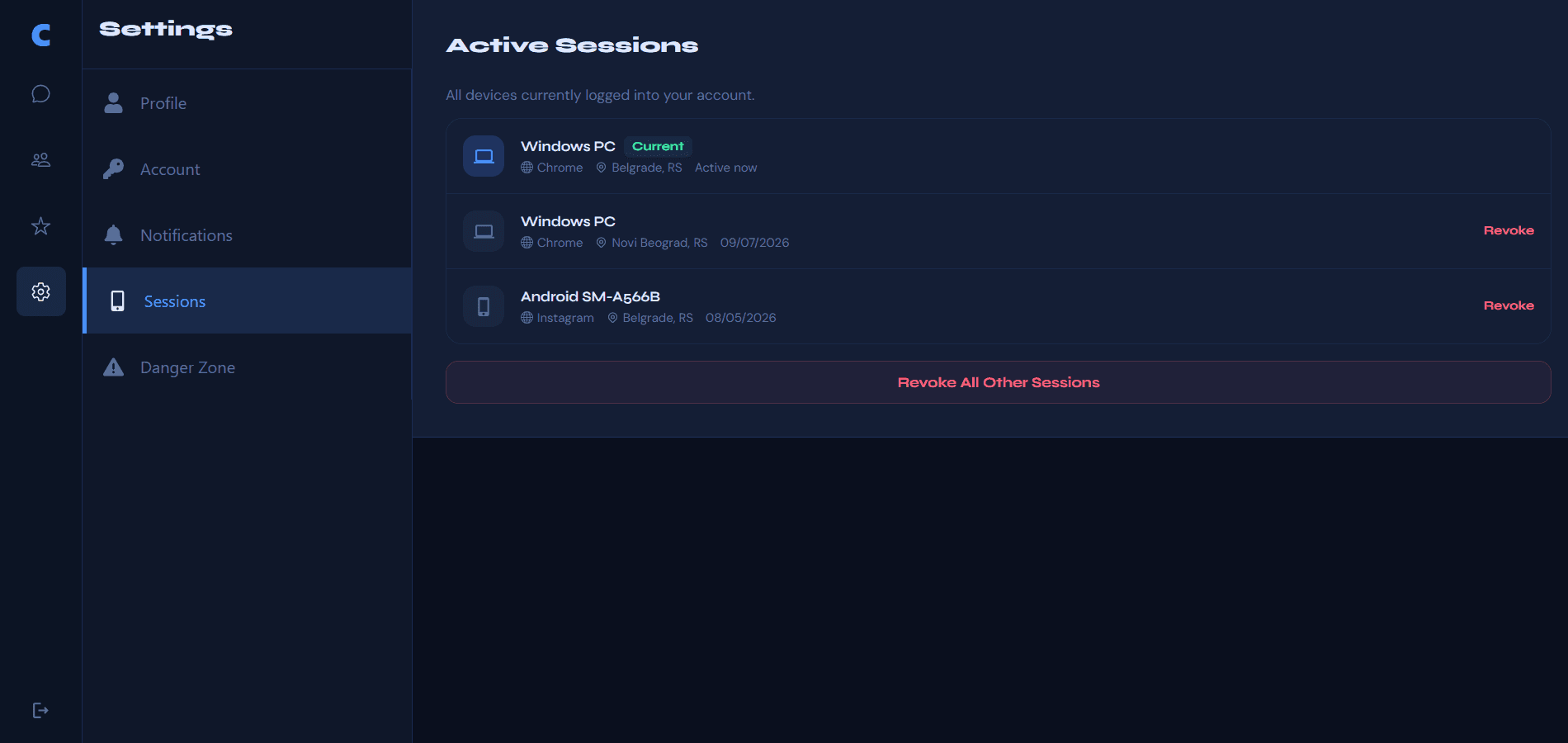
Active sessions list browser, device, OS, location and last used time, with a badge on your current session. Users can revoke one session or all other sessions.
- 07
Profile and notification controls
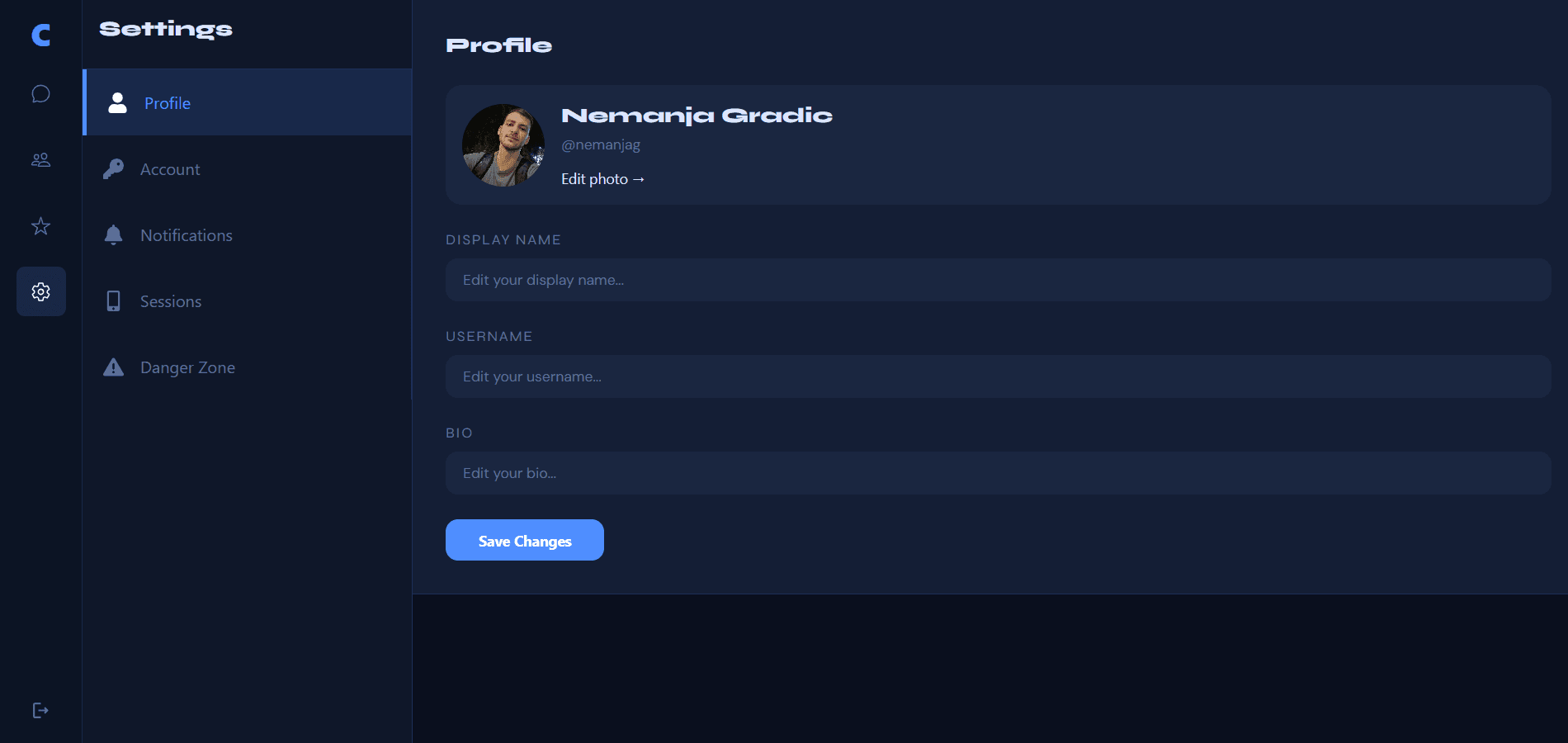
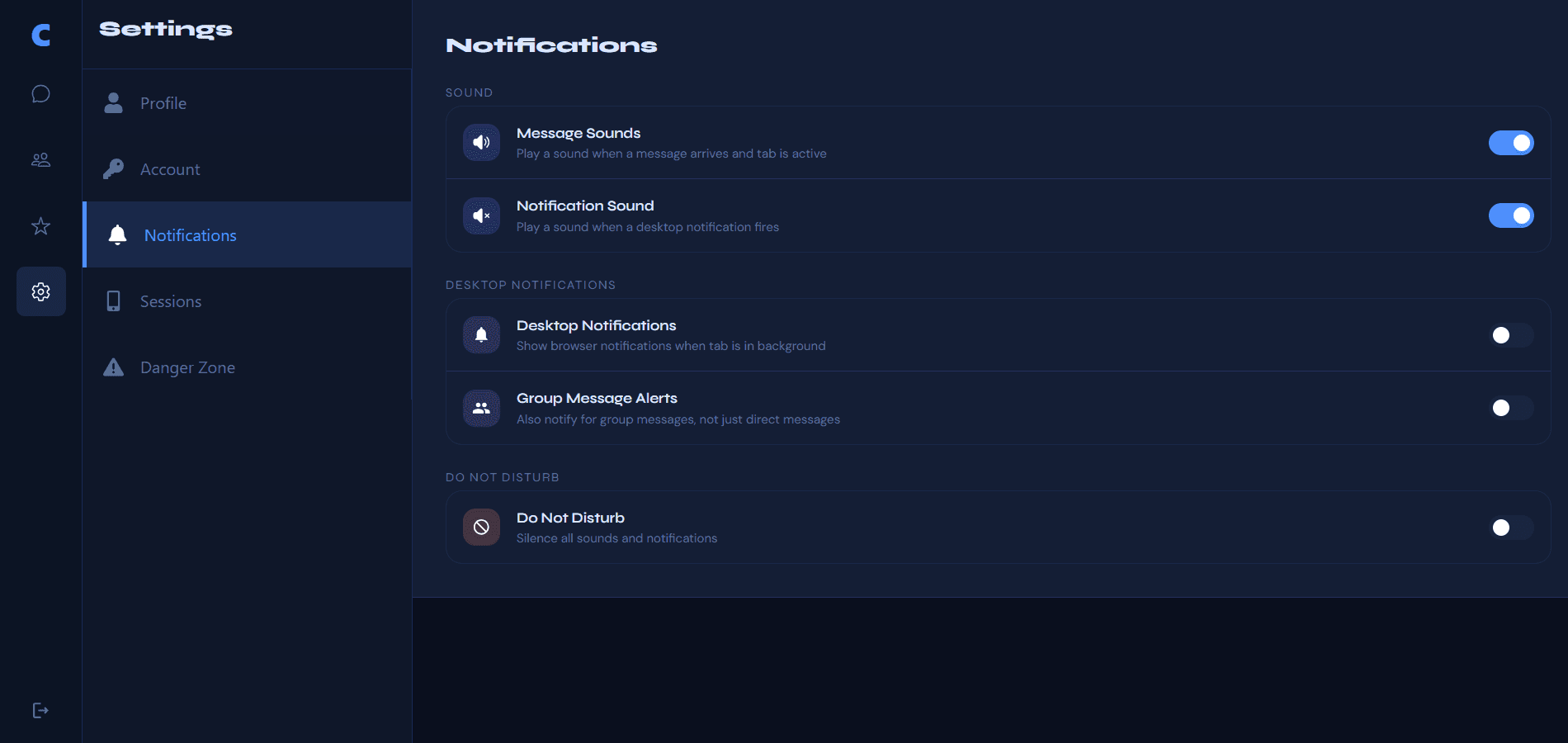
Profile settings cover name, username, bio and Cloudinary photo. Notification preferences control message sounds, background notification sound, desktop push, group alerts and do not disturb so alerts stay useful instead of noisy.
Features
Messaging
- Real-time direct and group chats over Socket.io
- Delivery and read receipts with timestamps for DMs and group status for each member
- Messages grouped by date, unread badges and message info for own messages
Conversations & presence
- Conversation search, All / Direct / Groups filters and user search to start a new chat
- Online presence indicators, last seen and a desktop split view with a mobile layout that switches between the list and the open chat
- Starred messages you can open to jump back to them in the original chat
Account & sessions
- Email sign up and sign in, password reset, welcome email and guest login that clears on logout
- Profile, account and danger zone controls including account deletion
- Session list across devices with revoke one or revoke all others
How it's built
ChatFlux runs on a custom Node HTTP server that serves Next.js and Socket.io in the same process, backed by MongoDB for users, sessions, rooms and messages. Avatars go through Cloudinary, transactional email through Resend and the app deploys on Railway with a compiled server entrypoint.
One process for Next.js and Socket.io
A custom Node server wraps the Next.js app and attaches Socket.io on the same origin. Session cookies authenticate both HTTP routes and the socket handshake, which keeps real-time auth aligned with the rest of the app.
Receipts that match how people actually read chats
Direct messages move through sent, delivered and read based on presence and whether the recipient has that chat open. Groups track delivery and read status per member so you can see partial versus full receipts.
Sessions users can see and revoke
Each login creates a tracked session with device and location details. Users can revoke individual devices or every other session, which is the kind of control people expect from a real messaging product.
Tech stack
Frontend
- Next.js 16
- React 19
- TypeScript
- Tailwind CSS 4
- Redux Toolkit
Backend
- Node.js custom server
- Socket.io
- MongoDB / Mongoose
- Session cookies (HttpOnly)
Services
- Cloudinary
- Resend + React Email
- ua-parser-js
- ipinfo.io
Hosting
- Railway
Challenges
Keeping delivery and read state correct
Approach: Receipt rules depend on whether the recipient is online and currently viewing the room. On reconnect, pending sent messages promote to delivered and opening a chat marks delivered messages as read so the sender's receipt status updates in real time. Groups track status per member instead of a single shared state.
Result: DMs and groups show honest sent, delivered and read states with timestamps instead of a single checkmark that ignores context.
Keeping login and live chat on the same session
Approach: Sessions live in HttpOnly cookies and the Socket.io handshake reuses that cookie. Active sessions expose device and location details so users can revoke a forgotten device without logging out everywhere when they need to.
Result: Real-time events stay tied to a trusted session and access across devices stays visible and controllable.
Guest mode without leftover data
Approach: Guest login creates a temporary user with full app access. On logout, the guest account and related rooms, messages and sessions are deleted so demos do not accumulate junk accounts.
Result: Visitors can explore the product immediately, while the database stays clean after they leave.
Want to see how I'd work on your team?
I'm open to full-time roles. Download my CV for a concise overview, or get in touch to talk about how I'd fit your team.