Case study
Bistro & Jars Coffee Bar
A live website for a local coffee bar, built with smooth scroll animations and WhatsApp integration. When a guest sends an inquiry or a celebration booking, the café is notified on WhatsApp and the guest gets a confirmation that the request was received.
- Role:
- Design and development
- Type:
- Client project
- Next.js
- React
- TypeScript
- Tailwind CSS
- GSAP
- WhatsApp Cloud API
- Upstash Redis
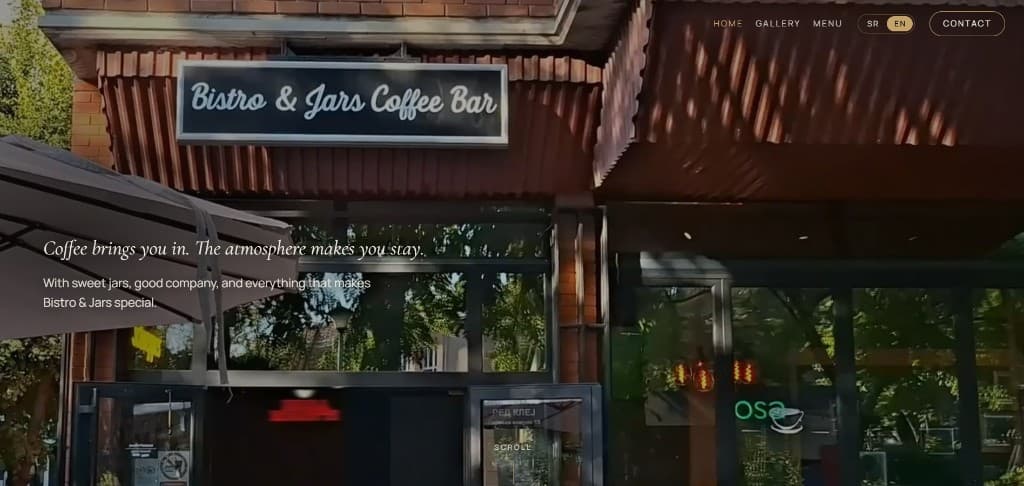
Overview
I designed and built the site for Bistro & Jars Coffee Bar. The homepage moves from the storefront through the café and the Monster Shake, then previews the gallery and the menu and shows guest reviews. Serbian and English stay on the same URLs. An inquiry or a celebration booking notifies the café on WhatsApp and sends the guest a confirmation that the request was received. The site does not keep a copy of the form.
Problem
- Guests needed the café itself, not only an address: the room, the drinks and a reason to come in.
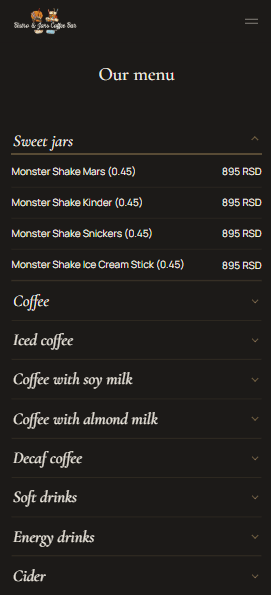
- The printed menu uses a QR code, so that page has to stay complete on a phone and on one stable address.
- Guests needed to contact the café and to know their request was received.
Goals
- Give the homepage a premium scroll, from the storefront through the Monster Shake to the contact form.
- Keep both languages on the same URLs, with no language prefix.
- Let a guest send an inquiry or a celebration booking, with a WhatsApp notification to the café and a message to the guest confirming the request was received.
Solution walkthrough
A walkthrough of the homepage, the gallery, the menu and the contact page.
- 01
Homepage
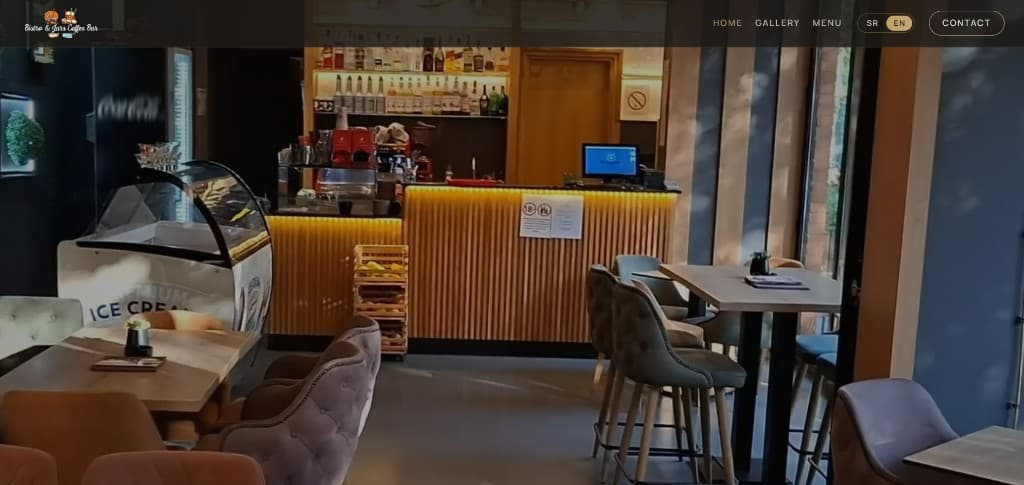
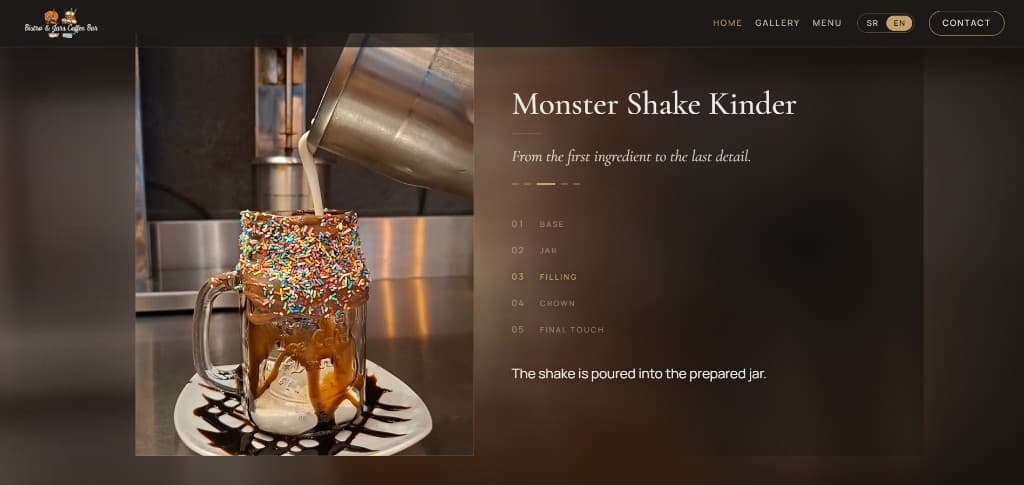
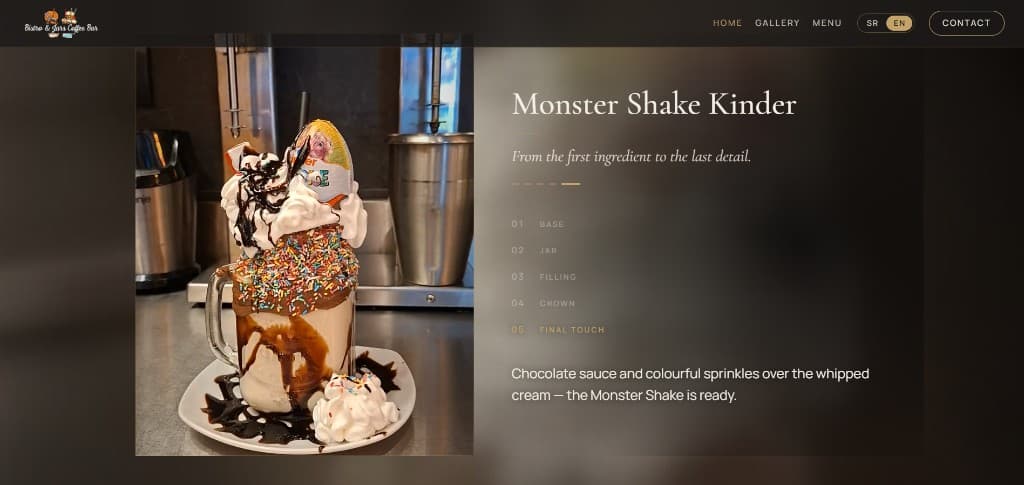
The homepage opens on the storefront, then moves through the café. The Monster Shake Kinder is its own sequence, from the base to the final touch. Below that, a preview of the gallery and the menu, guest reviews and the contact section.
- 02
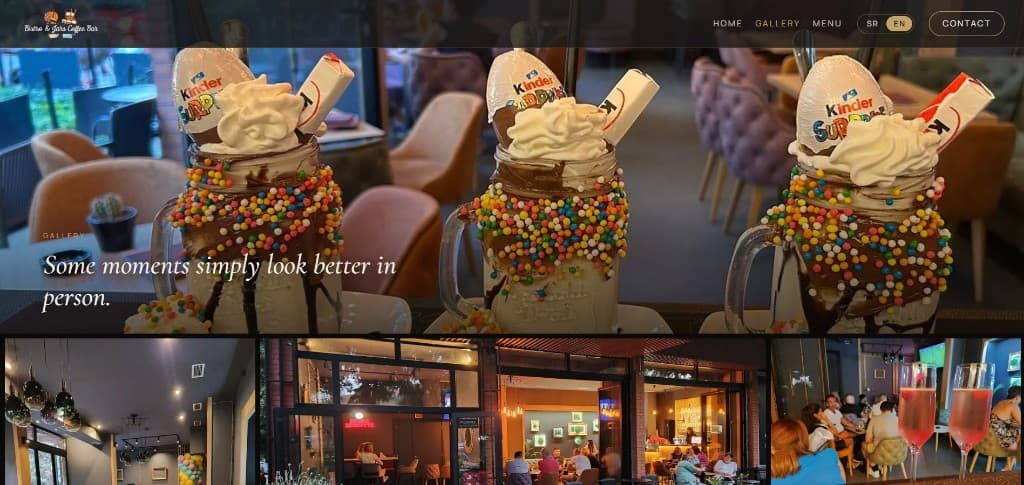
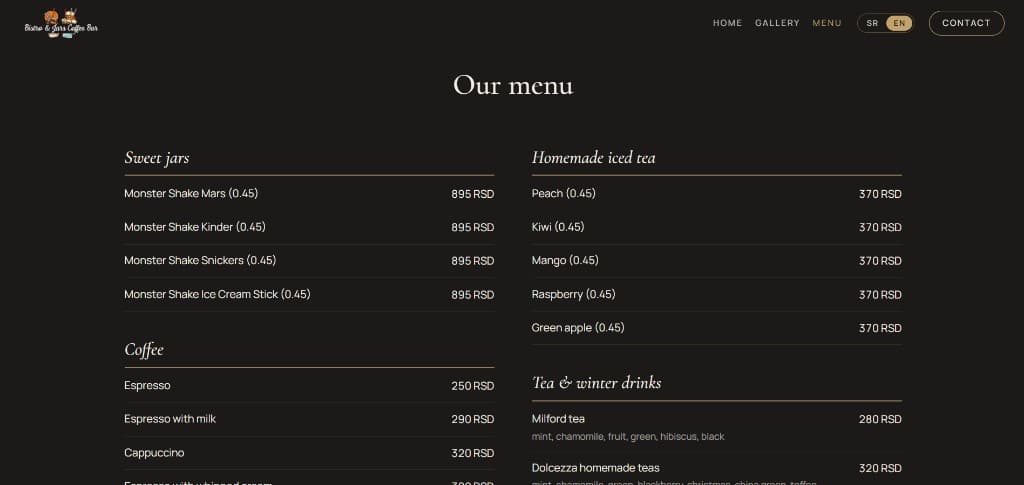
Gallery and menu
The homepage previews the gallery and the menu and each has its own page. The menu is the full list, with prices in RSD and it is what the printed QR code opens.
- 03
Inquiry and celebration booking
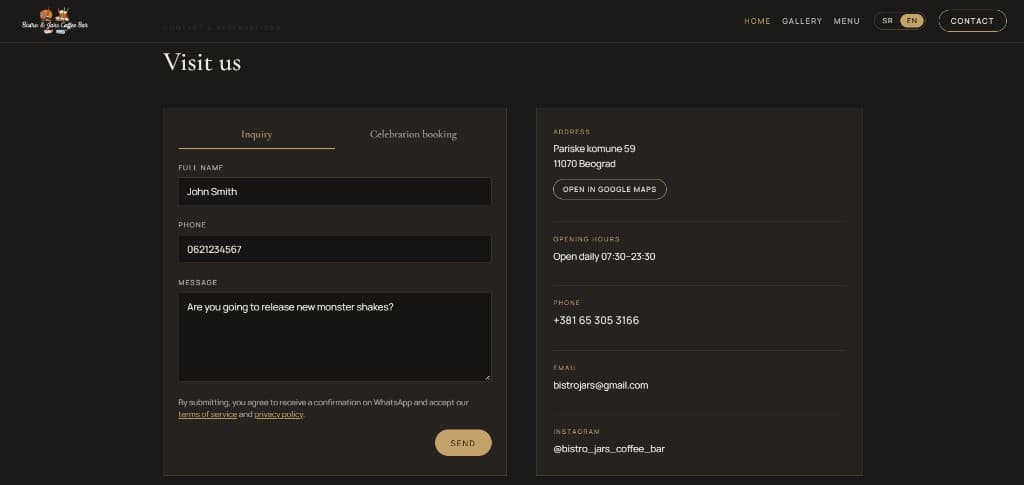
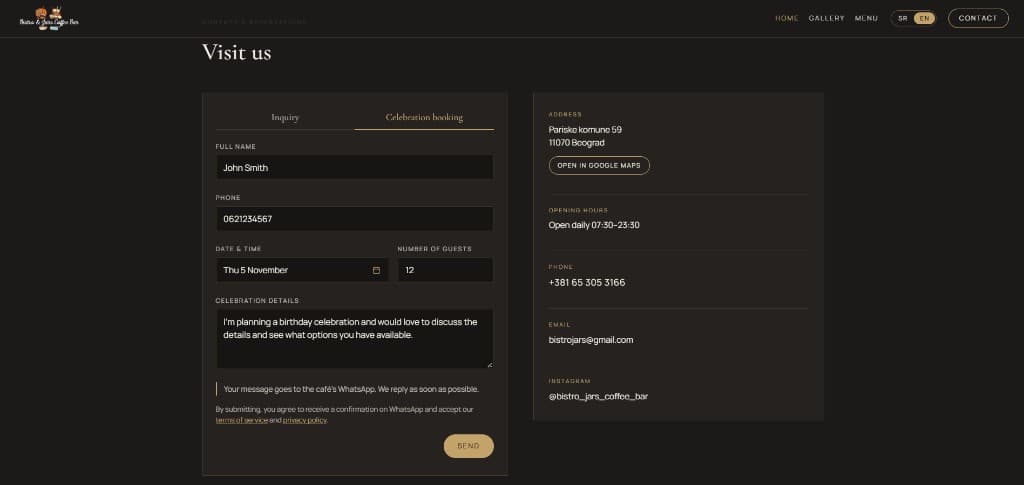
The contact form is on the homepage and on its own page. Inquiry asks for a name, phone and message. Celebration booking adds the date and time, how many guests and the details. Sending it asks the café to confirm. It does not reserve the table. The café is notified on WhatsApp and the guest gets a confirmation that the request was received.
Features
Homepage and menu
- Scroll-driven homepage built with GSAP and ScrollTrigger, from the storefront to the contact form
- Both languages on the same URLs, without a language prefix
- Full menu at the address on the printed QR code
Contact
- Inquiry and celebration booking on one form, with WhatsApp messages to the café and the guest
- A honeypot field and a WhatsApp link or a phone call if the café’s message cannot be sent
- Rate-limited submissions through Upstash Redis
How it's built
The site is a Next.js 16 app on the App Router, with React 19, TypeScript and Tailwind CSS 4. Homepage motion uses GSAP with ScrollTrigger. Contact submissions go out through the WhatsApp Cloud API and Upstash Redis rate-limits those requests. Menu items live in one data file, with both languages together, so prices and names can change without touching the layout. The app is deployed on Vercel.
The storefront and the Monster Shake move with the scroll
GSAP and ScrollTrigger pin the storefront film and the Monster Shake and move each clip with the scroll. Phones use their own clips and a shorter pin. Reduced motion keeps both on a still frame.
One address for both languages
The language choice is saved on the device, so both languages share the same paths.
WhatsApp templates, not a saved form
The café receives the request. The guest receives a confirmation with their name and, for a booking, the date, time and guest count. Phone numbers are normalised to E.164 first.
Abuse limits, without storing the form
A honeypot field is ignored. Upstash Redis limits how often a guest can send, using the IP and a hash of the phone for about an hour. If the café’s WhatsApp message cannot be sent, the guest can send it through a WhatsApp link or call the café.
Tech stack
Frontend
- Next.js 16
- React 19
- TypeScript
- Tailwind CSS 4
- GSAP
- ScrollTrigger
Services
- WhatsApp Cloud API
- Upstash Redis
Hosting
- Vercel
Challenges
The hero and the Monster Shake
Approach: The storefront film stays pinned and moves with the scroll. The Monster Shake Kinder is shown being made, from the base to the final touch, instead of as a single photo.
Result: The opening and the signature drink carry the visit, ahead of the gallery preview, the menu preview and the contact form.
A menu address that works in print and on the site
Approach: The full menu lives at /menu. Language does not add a prefix, so the printed QR code and the menu link open the same address in either language.
Result: The printed menu and the site share one address. The trade-off is that the two languages do not get separate URLs.
Reaching both people without storing the form
Approach: The form offers an inquiry or a celebration booking. Each send goes through the WhatsApp Cloud API to the café and the guest receives a confirmation that the request was received. A honeypot field and Upstash Redis keep that path available for guests. If the café’s message cannot be sent, the guest can continue through a WhatsApp link or a phone call.
Result: The café and the guest each get a WhatsApp message and the site does not keep a database of requests. The record stays in the café’s WhatsApp chat.
Need a site that presents your business and makes it easy to get in touch?
I build marketing sites with a clear presence, polished interactions and a contact path that reaches you directly.